 Splitty

Works with no signal
iPhones close by sync straight to each other over Bluetooth and Wi-Fi. No internet, no server, no waiting until you're back in town.
Expense splitting for trips and homes
Add expenses as they happen, see who owes whom at a glance, and settle up by scanning a friend's payment QR. Splitty keeps working with no signal, on the boat to the island or in the basement parking.
On Android now, and coming soon to iPhone. A web version follows in a later update. See how it works

iPhones close by sync straight to each other over Bluetooth and Wi-Fi. No internet, no server, no waiting until you're back in town.

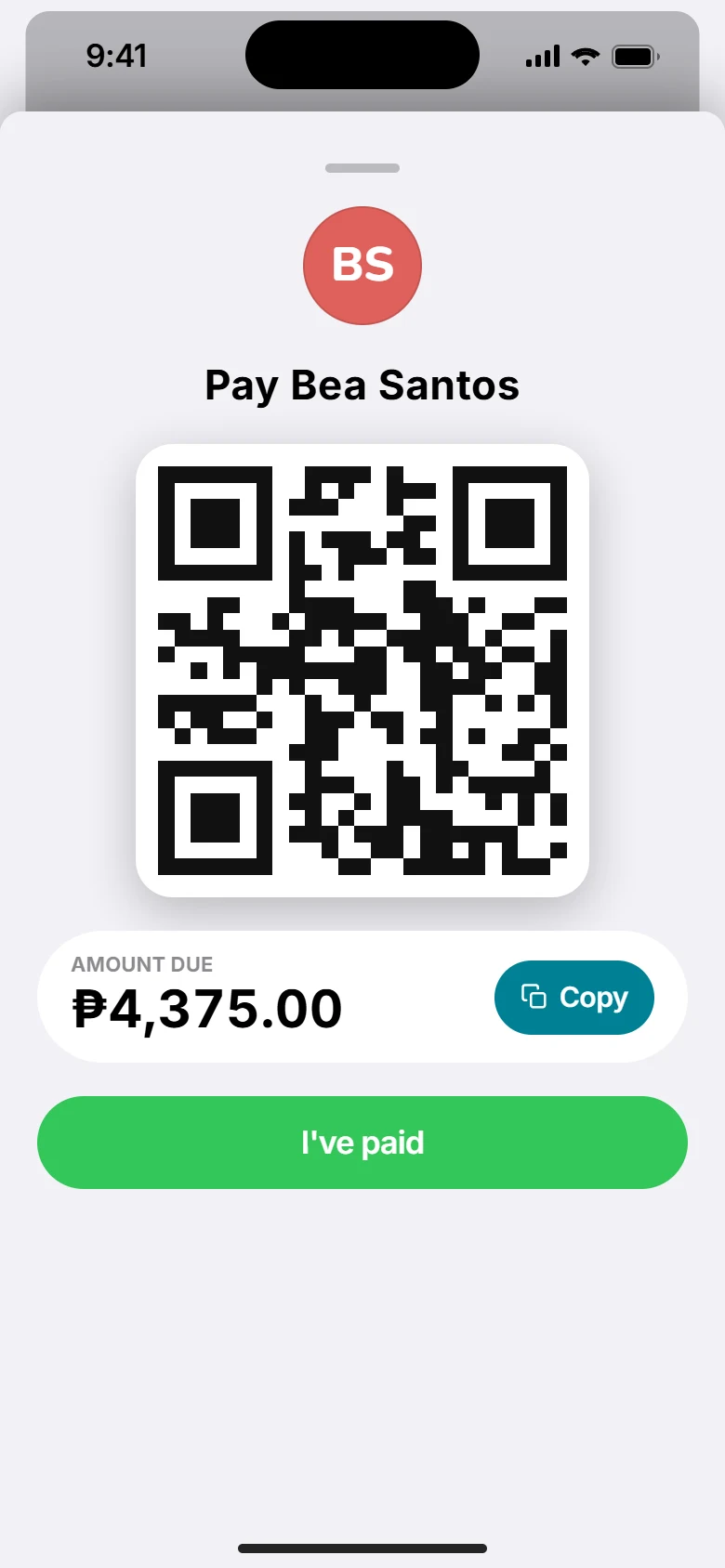
Everyone adds their own payment QR, like GCash, Maya, Venmo or UPI. Tap Pay, scan it in your banking app, done.

Scan a receipt and Splitty reads the total for you. The photo stays with the expense, so nobody argues about it later.
Nearby sync and receipts come to iPhone first, then Android. See every feature
Watch
A minute on what Splitty does: add the dinner, split it the way it was eaten, work out the fewest payments, and pay Bea back with one scan.
A look inside
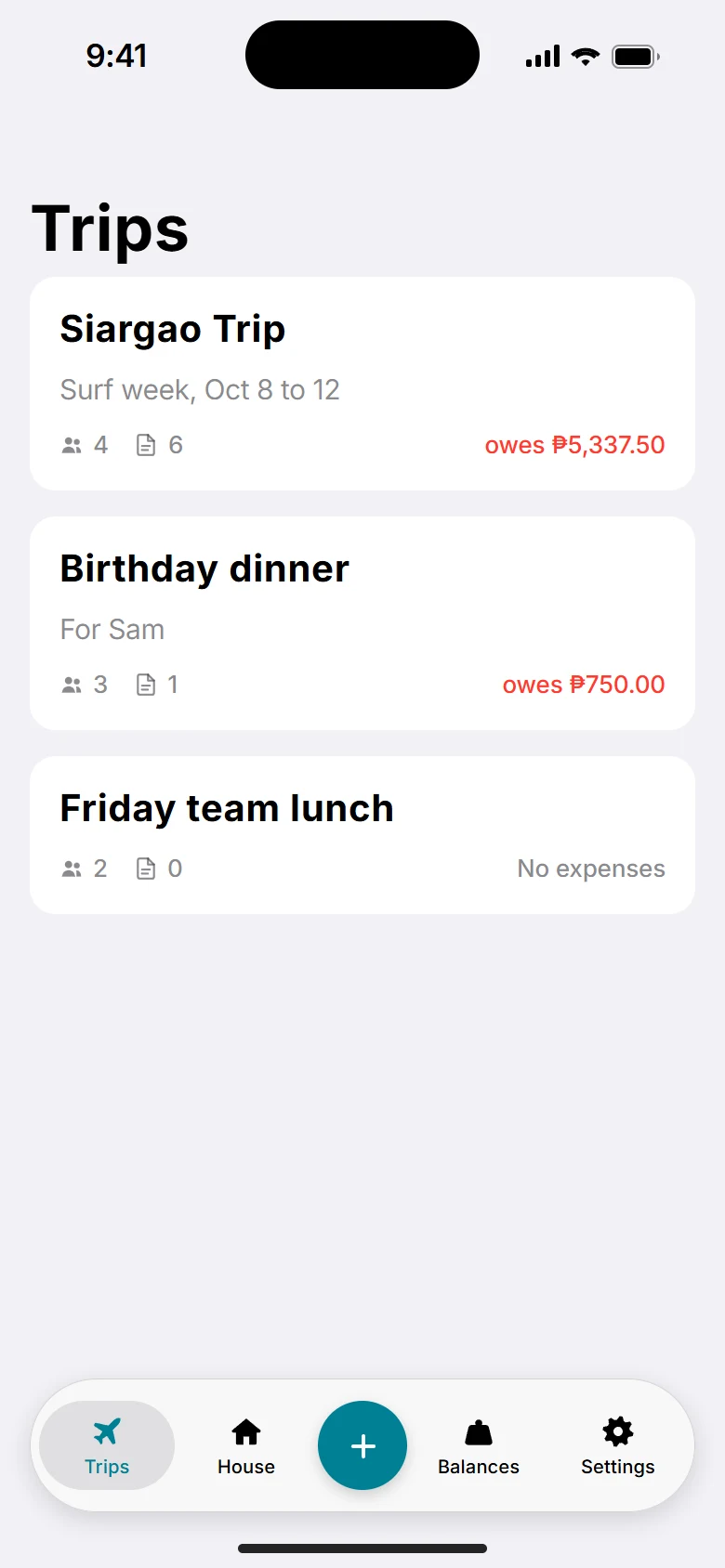
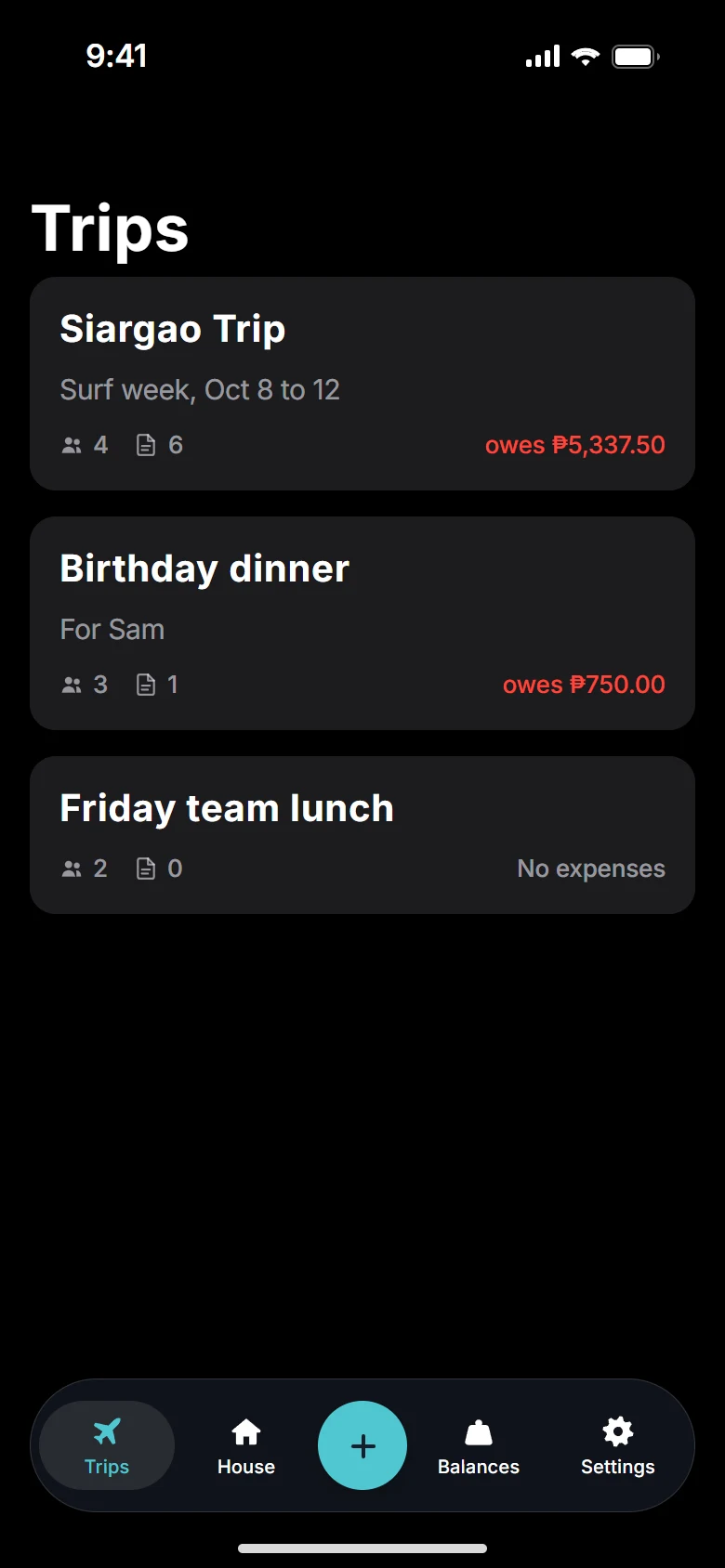
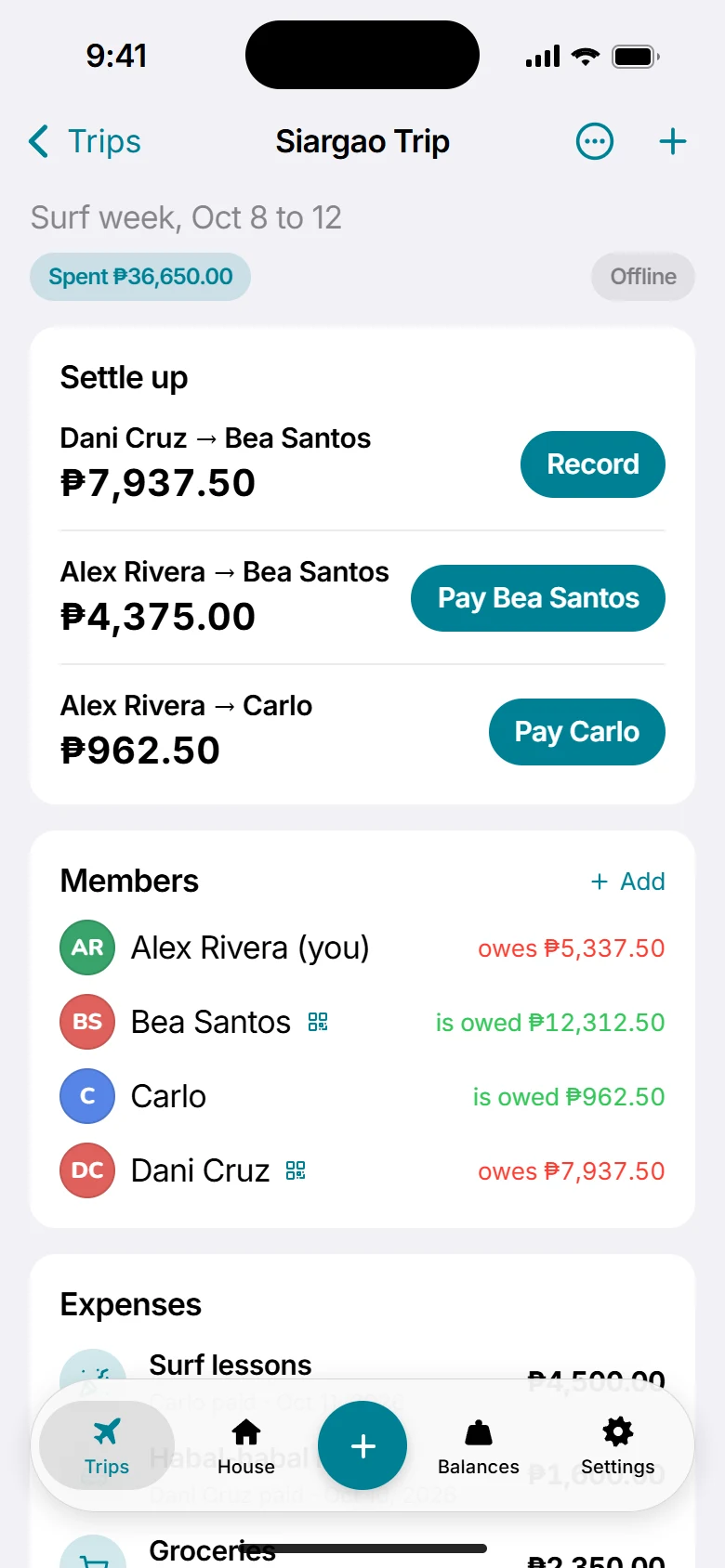
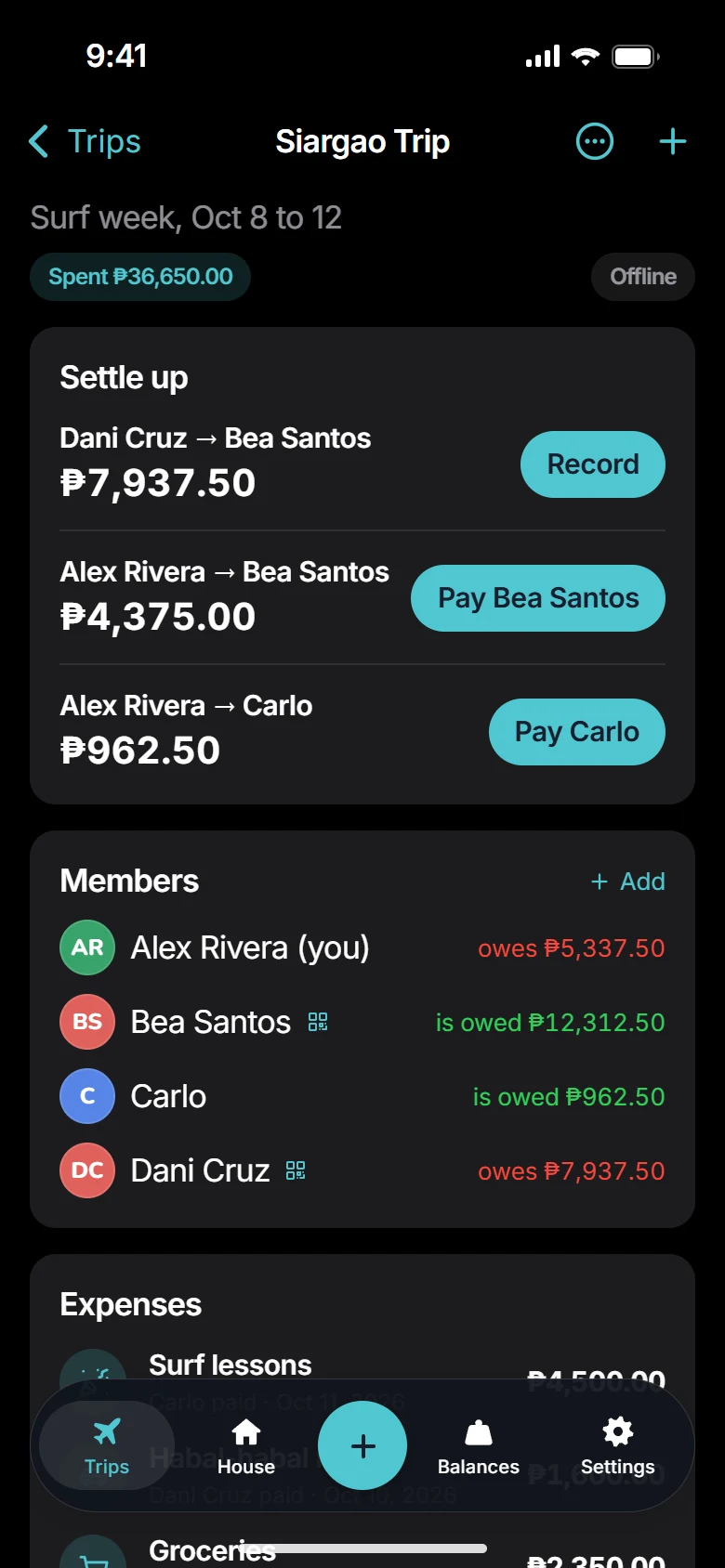
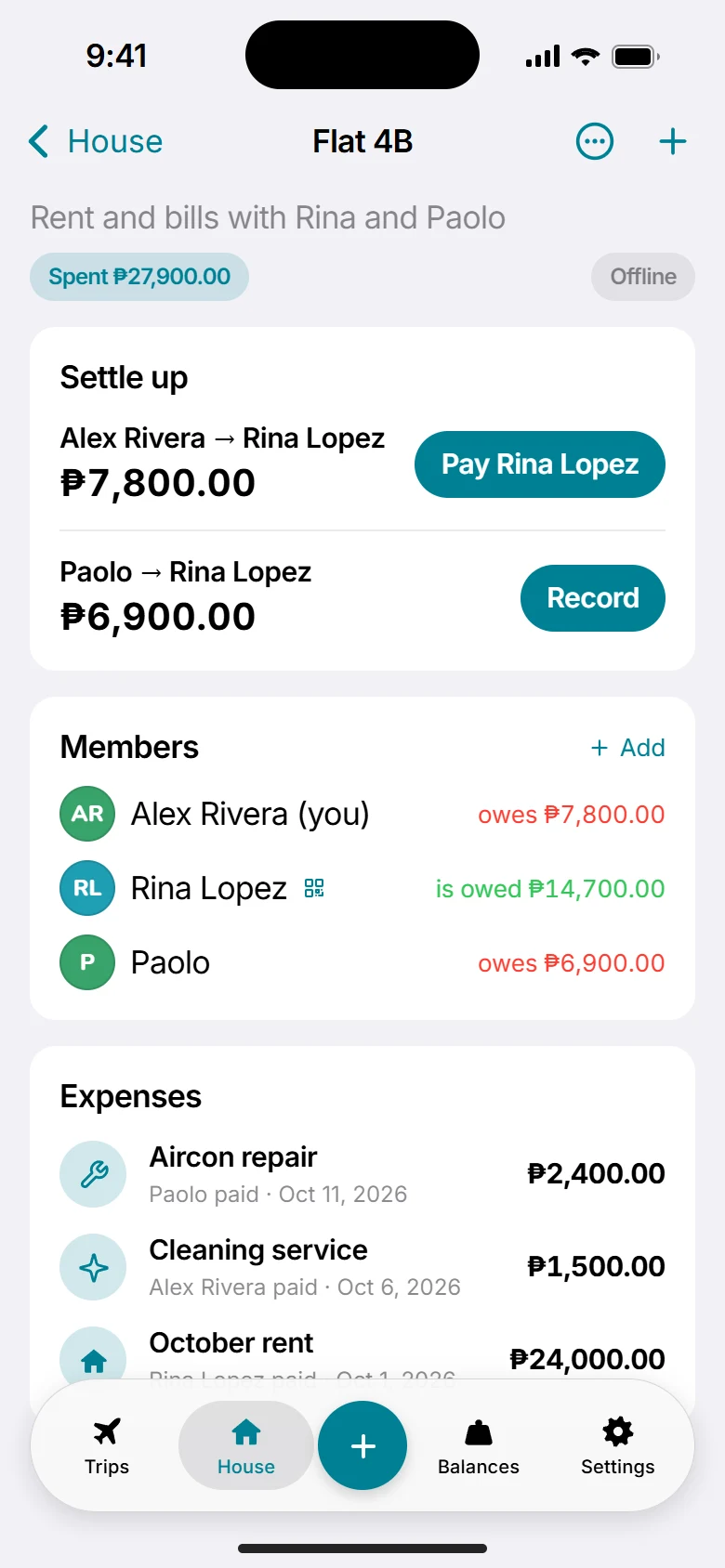
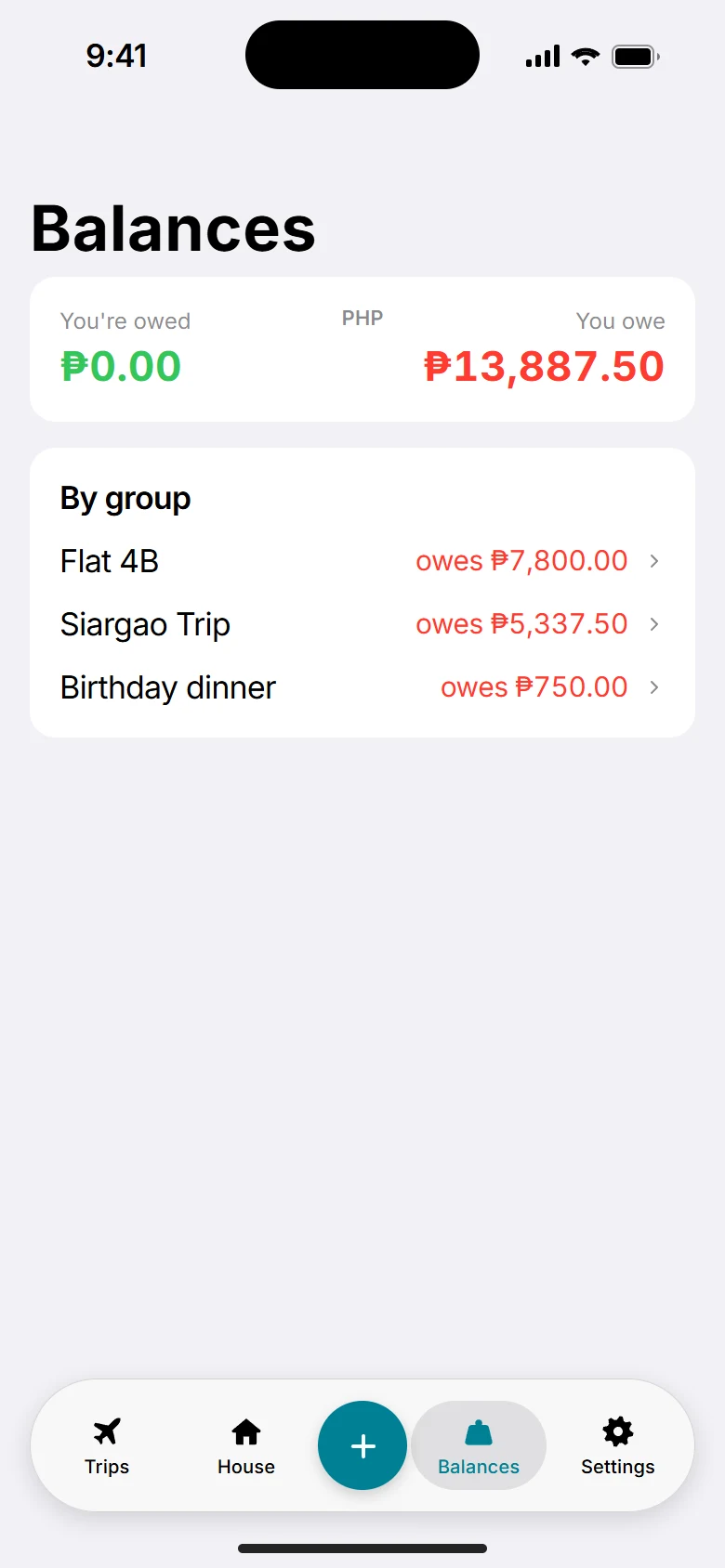
How it works
Start a trip or a house. Friends join by scanning the invite QR on your phone, no accounts needed.
Who paid, how much, and for whom. Split it equally, by amounts, by percent or by shares.
Splitty works out the fewest payments that make everyone even, then you pay with their QR and tap "I've paid".
Try it
This is the simplest case: one bill, split evenly. In the app, Splitty keeps a running tab across every expense, so the math stays right even when different people pay each time.
Trips and House
Group dinners, island hopping, the villa. Everyone adds as they go, even without signal.

Rent, utilities and groceries with flatmates or family, month after month.

Private by design
No account needed. Groups live on the phones of the people in them, and nothing goes to a Splitty server unless you turn on cloud backup or Internet sync.
Nearby phones only connect when they share the group's invite, and the connection is encrypted. Internet sync is end-to-end encrypted too, so Splitty's server can't read it.
Export an encrypted backup file protected by a passphrase you choose. Or, with Monthly or Yearly, sign in for automatic cloud backup, and delete it any time in Settings.
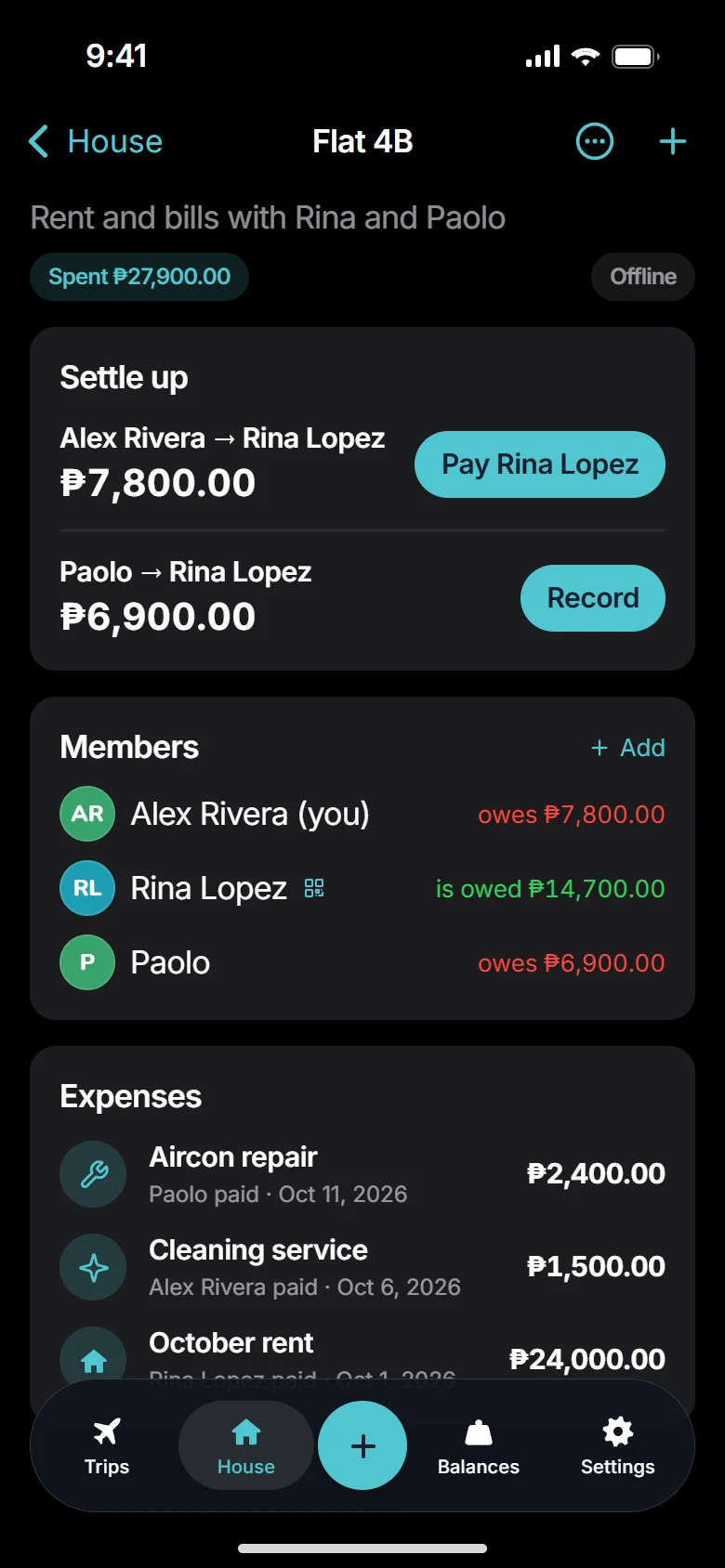
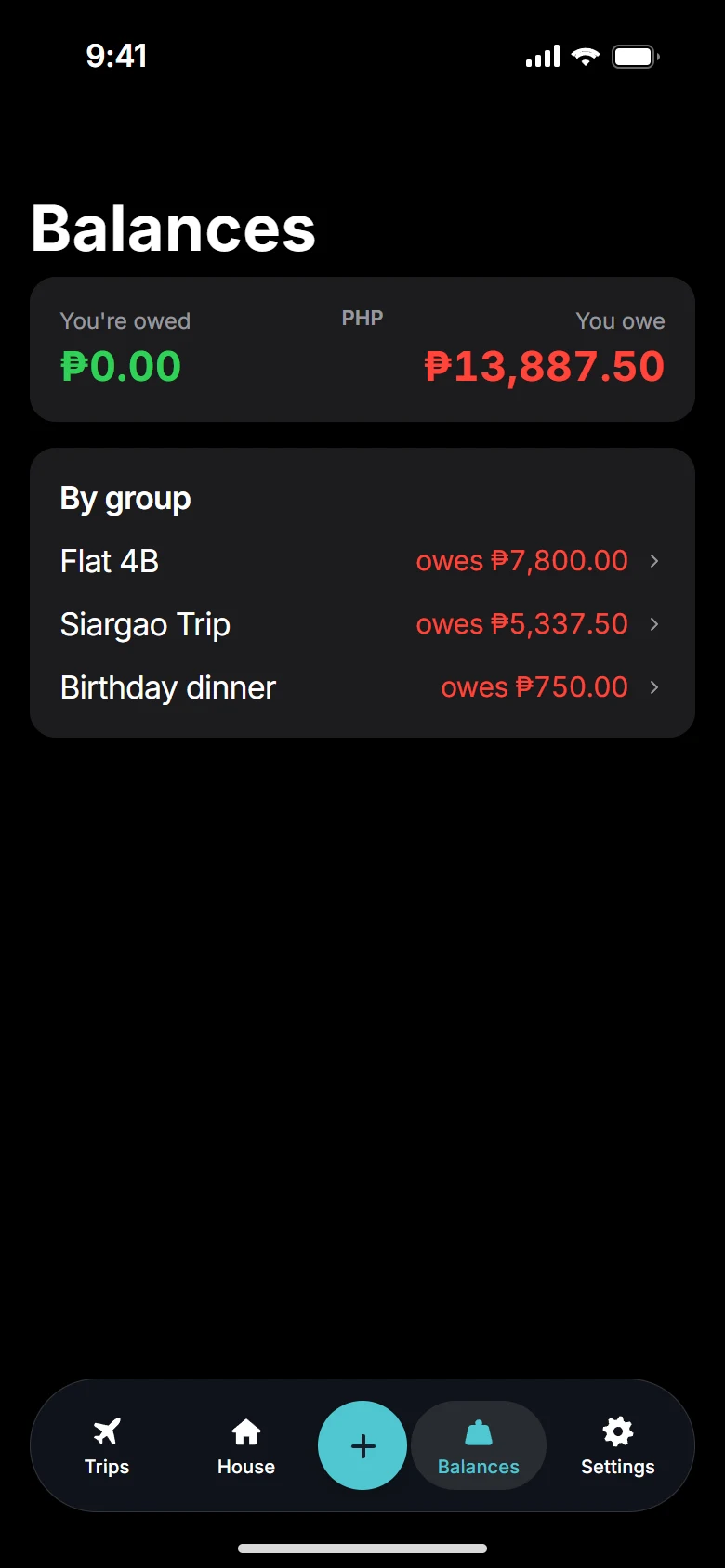
Five languages, plus light and dark mode that follows your phone's setting.
Questions
Splitty is on Google Play for Android now, and coming soon to the App Store for iPhone. This page will link straight to the App Store on its launch day.
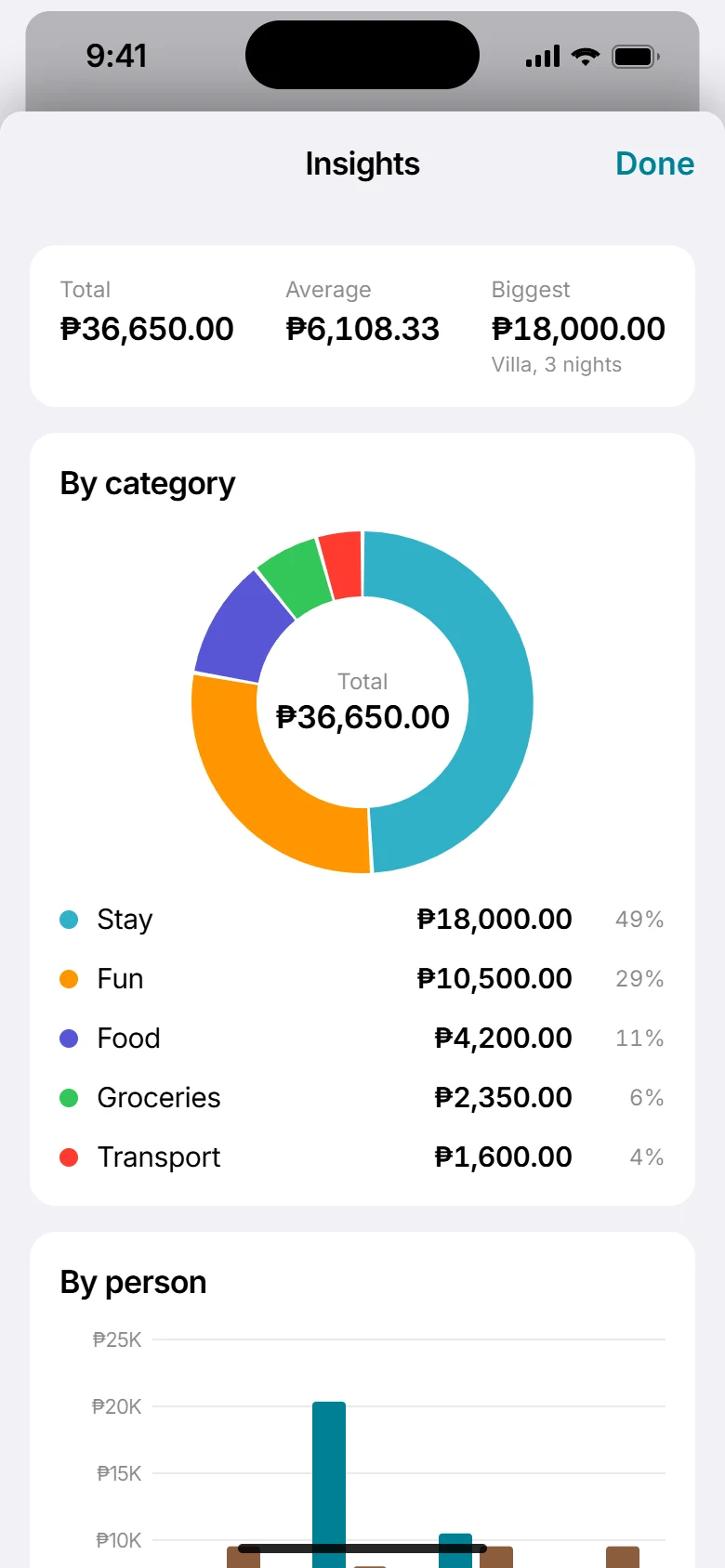
Yes. Splitty is on Google Play now. Android phones stay in sync with the rest of the group, iPhones included, through Internet sync. Syncing nearby without internet, receipt photos and charts come to iPhone first and are on their way to Android. See which phone has what
Yes, in a future version, so you can use Splitty from a browser too. It won't be part of the first release.
Splitty is free for up to 3 groups with up to 5 members each, and Internet sync is included. For more, Monthly (₱150) or Yearly (₱1,500) unlock unlimited groups and members and add cloud backup, and one member's plan unlocks a group for everyone in it. These are Philippine prices; the store shows yours. No ads on any plan. Plans and purchases
To sync on their own phones, yes. Friends who don't use Splitty can still be added to a group, and you track their share for them.
Yes. Adding expenses works anywhere, on any phone. iPhones near each other also sync over Bluetooth and Wi-Fi without a connection. That's coming to Android; until then, Android phones sync when they're back online.
Yes, with Internet sync. Any member can turn it on in the group's settings, and everyone in the group sees who did. Each phone then sends a copy of the group through Splitty's server, end-to-end encrypted with the group's invite, so the server can't read names, amounts or receipts. No account needed. Other members' phones pick up the setting the next time you sync nearby, and friends you invite after that can join from anywhere, on iPhone or Android. How it works
Cloud backup comes with the Monthly and Yearly plans, and it stores only what you turn on. If you sign in for cloud backup, Splitty's server keeps your sign-in email and an encrypted copy of your groups, so you can restore them on a new phone. Splitty holds the key that unlocks that copy, which is what lets you restore just by signing in. For a backup only you can open, export a passphrase-protected file instead. You can delete your account and cloud backup any time in Settings. Privacy policy
Any app that shows a QR code to receive money, like GCash, Maya, Venmo, Pix, UPI, Zelle or your bank. Splitty shows the QR; the payment itself happens in your own app.
Yes. Balances are kept per currency, so a trip can mix pesos and dollars. Splitty doesn't convert between them.

Splitty is on Android now and coming soon to iPhone, with a web version to follow. It's free to start, and every trip after that is settled.
Ask questions, swap tips for splitting trips and house bills, and help decide what we build next.
Join the Facebook group